Get UDID

in 4 easy steps

Download and install the configuration profile to get your device information without a computer.

Get UDID
  1. STEP

    Install profile

    Tap Allow when Safari asks
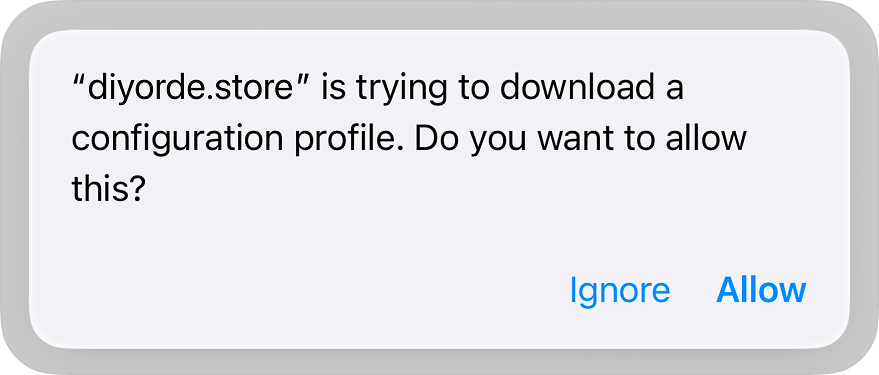
    Safari asking permission to download the profile
  2. STEP

    Go to Settings

    Open Settings app

    Opening the Settings app
  3. STEP

    Install the profile

    Tap Install to continue
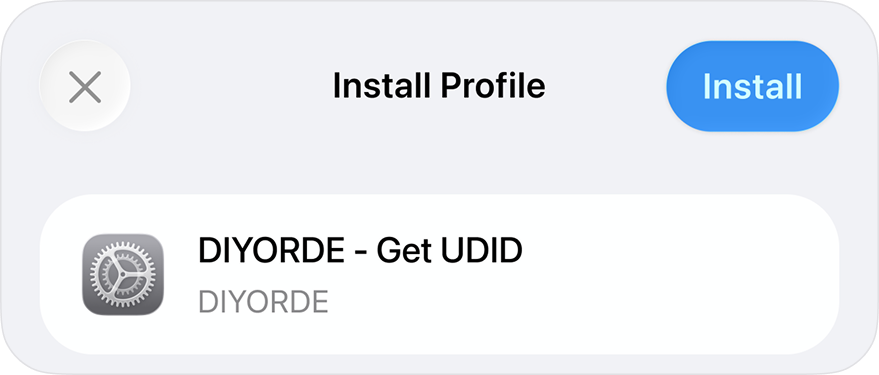
    The Install Profile screen
  4. STEP

    If you have a passcode

    Enter your passcode
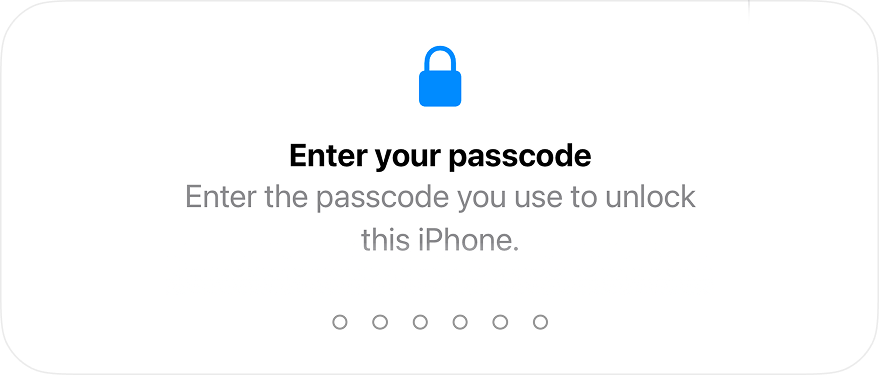
    Entering the iPhone passcode